



Network-attached storage (NAS) devices can do almost anything a home server can, just on smaller, more power-efficient hardware. Generally, they come with pre-built operating systems, but some models let you install your own. If you’re building your own NAS, you’ll need an operating system. What’s more, there are plenty of options that are open source, which is always welcome to see.
It also means that as long as the OS is being actively developed, bug fixes will never be that far away, and there’s often a thriving community of developers making plugins and other useful tools to run on it. That’s before diving into containers and other features that are available on *nix-based systems.

Related
One of our favorite lightweight NAS operating systems
OpenMediaVault (OMV) is one of our favorite NAS operating systems, partly because it’s easy to install on anything from SBCs, mini-PCs, old laptops, and other older and lower-powered PCs. It can be installed as the main operating system, or installed on top of your favorite Linux distribution, so you could technically get the best of both worlds for your self-built NAS. Even with its modest hardware requirements, this is one of the most feature-laden NAS OSes around, with plenty of media-streaming focused tools that will help make your NAS into a media server of extraordinary power.
OMV supports plenty of modern file systems, like Btrfs, Ext4, F2FS, JFS, and more, so you can keep your data safe with the latest in journaling and self-healing file systems. And there’s a ZFS plugin or so that will enable the use of everyone’s favorite NAS file system. You only need 1GB of RAM, and you can use Arm CPUs if you prefer, but you might want to use a heftier PC because then you can pile on plenty of Docker containers and self-host your own mini private cloud of services.


4
Rockstor
Build the NAS you want to see with this customizable distro

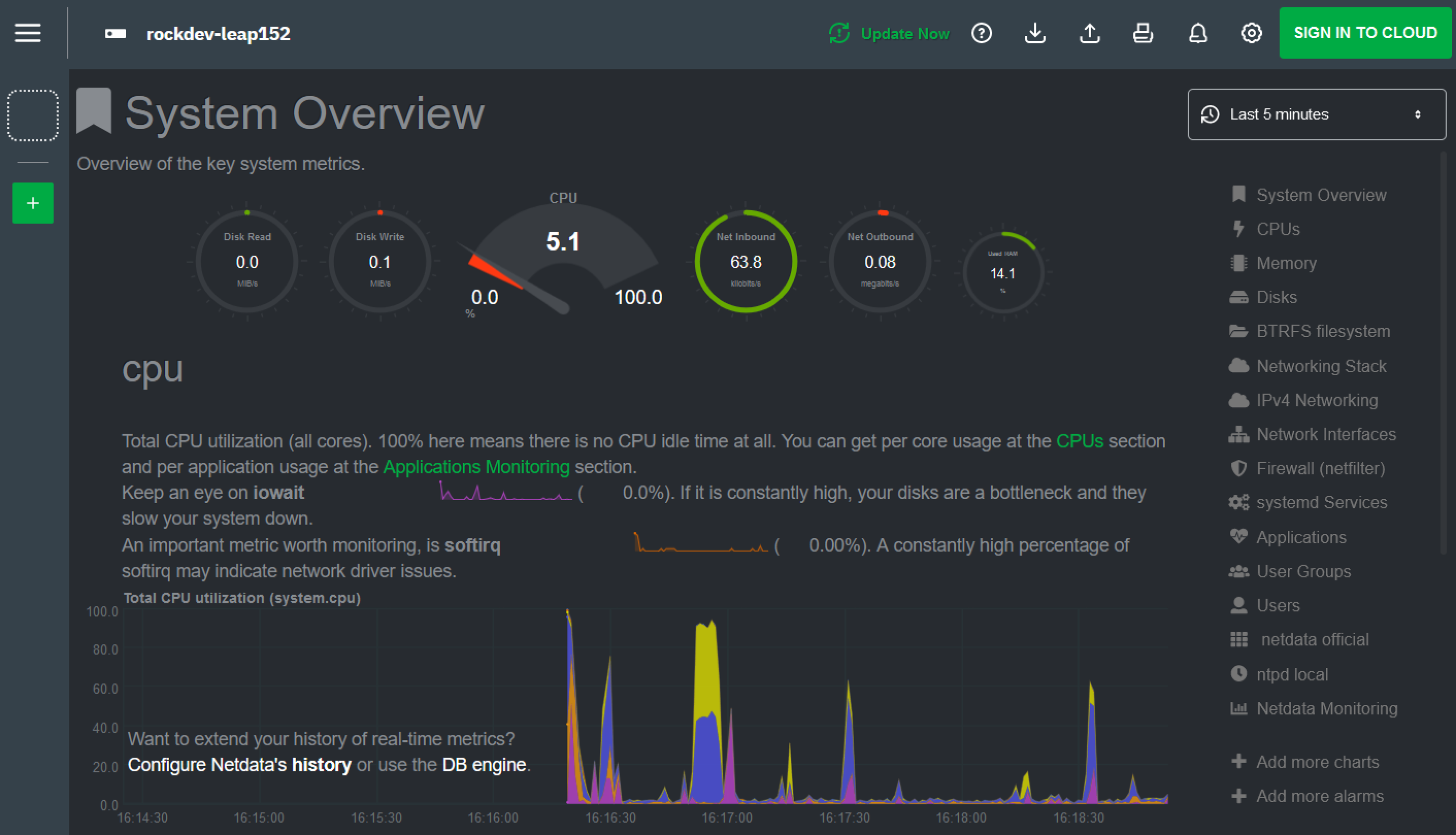
Rockstor is a fantastic option for building your own NAS because you can customize almost every aspect to your needs. It’s now based on OpenSUSE and uses Btrfs by default for all the benefits to data integrity and simplified administration that it brings. You get a simple-to-navigate web-based GUI to manage things from, and it’s got tons of extensibility with Docker integration. For home use, it’s got everything you could need, while not drowning you in a sea of options that you might not want. It doesn’t need a powerful system to run, takes minutes to set up, and has a highly active community if you need help.

3
XigmaNAS
Built on FreeBSD, this powerful OS is simple to use and powerful when you need it

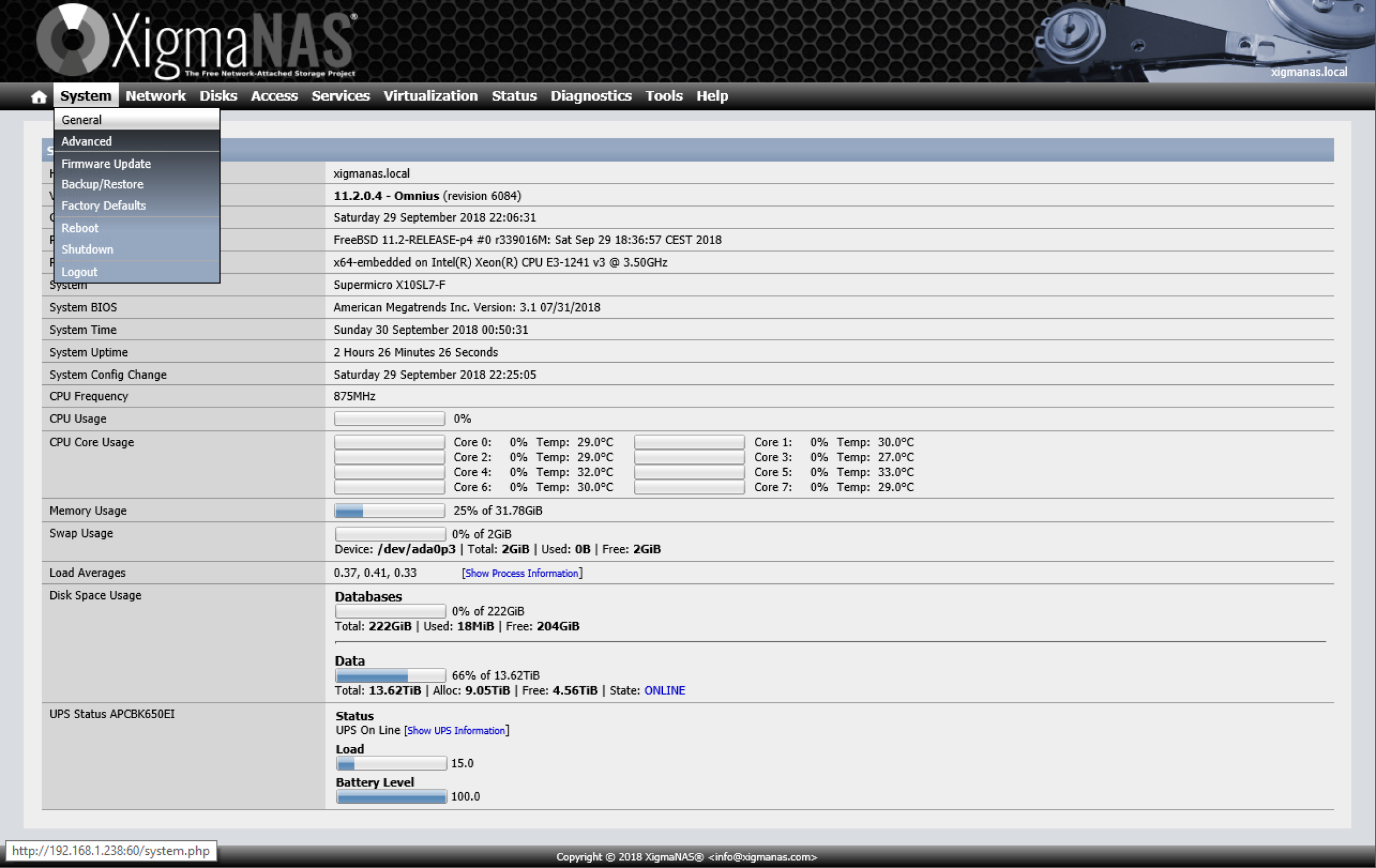
XigmaNAS is another FreeBSD-based NAS operating system that adheres to FOSS ethics and can be used on a wide variety of hardware, including lower-powered and aging computers. It uses the robust ZFS file system to keep your data safe, installs in seconds, and uses the latest version of FreeBSD. It’s simple to set up and simple to handle after that with a GUI, so you don’t have to touch the FreeBSD command line at all if you don’t want to.
It’s worth checking out the XigmaNAS Wiki, especially the hardware lists. While you can use many lower-powered CPUs, some things to keep in mind are better support of Intel-based systems, especially for networking cards, and the fact that some devices might not have the FreeBSD drivers installed by default.

2
Unraid
This powerful NAS software needs a paid license and runs off a USB key
Unraid does a few things differently to every other operating system on this list, including the need for a paid license. You do get plenty of value with that fee, however, with an easy to set up NAS OS that’s powerful, simple to use, and comes with regular updates. The UI is cleaner and easier to navigate than most NAS OSes, you can use tons of file formats, and setting up arrays can be done with drives of different sizes.
Plus you get a gigantic list of apps already compiled for Unraid, so all you have to do is pick them out of the app store like you would on any other operating system. There is one oddity with Unraid setups, in that the OS and the license key are installed on a USB drive, which is used to run the NAS. It’s worth buying a brand-new USB key from a reputable brand for Unraid use, and maybe a few spares, but you’ll have to talk to support to transfer the license across if your first USB key fails.

1
TrueNAS
Our favorite open-source NAS OS is powerful and friendlier to use than it used to be
Whether you choose TrueNAS Core for its stability or TrueNAS Scale for its future features, both are the best OS options for building your own NAS. However, TrueNAS Core has been put into maintenance mode, and there are no plans to upgrade to FreeBSD 14.0, so new users will probably want to opt for Scale instead. Plus, Scale is Debian-based instead of FreeBSD, so you’ll have more compatibility with existing software packages to run on your NAS.
If you want to use virtualization, Scale is the clear winner here as well, but it’s also adept at file sharing, data storage, disk backup, and every other NAS-centric task you can think of. The UI is cleaner in Scale as well, and it’s powerful, with Docker and Kubernetes support, and plenty of developer support.
Your self-built NAS deserves an open platform to manage your data
Your stored data is precious, and the operating system facilitating that needs to be up to the task. Any of the open-source operating systems on this list will do the job, but it’s about your needs and what you want to do with your NAS. If you want a powerful OS that will do anything, TrueNAS Scale is absolutely the first place you should look, but maybe the lighter-weight OpenMediaVault is closer to what you need. You could also go for Proxmox and virtualize everything if your hardware is up to the task, but that’s getting into server admin territory.


Related
Turning the LincPlus LincStation N1 into a TrueNAS SSD powerhouse
Six SSDs and TrueNAS SCALE walk into an enclosure…
link