


Tech obsolescence is a major issue for computing enthusiasts, as even the most expensive system you can buy today will be surpassed by new components in a few years’ time. And then there’s the OS side of things, like Microsoft’s plans to cease updates for Windows 10 later this year.
Luckily, there are plenty of cool operating systems out in the wild that are purposefully built to grant old PCs and laptops a new life. In fact, I’ve been testing different operating systems to revitalize my Lenovo G510 and Acer Predator Helios 300 laptops for the last couple of weeks, and here are the best ones I’ve found so far.
ChromeOS Flex
A ChromeOS-themed makeover
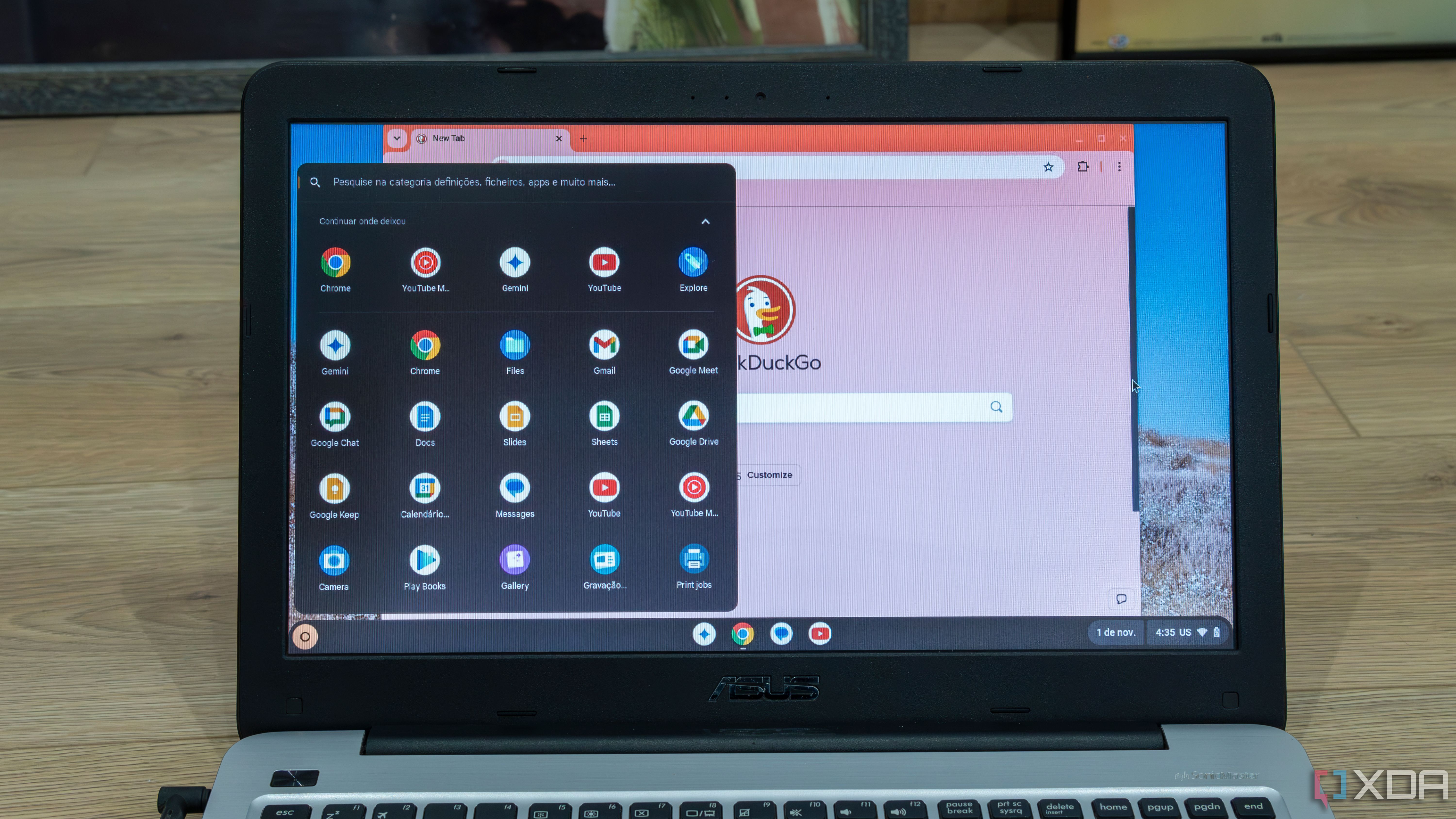
If you’ve ever used ChromeBooks, you may be aware of the black magic used by ChromeOS to turn even the most underpowered devices into highly-functional general-purpose machines. While ChromeOS Flex doesn’t include support for Android apps, it does bring the lightweight nature of its ChromeBooks-exclusive counterpart and features its suite of web applications.
For folks who rely on desktop apps, you can also use the Linux environment to install tons of FOSS services. And if you want to tinker with the Android subsystem, you can look into FydeOS and other ChromiumOS forks, which bring extra functionalities at the cost of slightly lower performance than ChromeOS Flex.
Debian/Ubuntu
The ol’ reliable
Debian may be the most vanilla Linux distribution out there, but it’s the gold standard for a reason. Armed with the GNOME desktop environment, it’s the most stable Linux distro I’ve ever used. It’s great for folks transitioning from Windows, and despite including most of the essential features you’ll need from an everyday machine, it doesn’t consume too many system resources.
Considering that Ubuntu is based on Debian, I also wanted to give it a shout-out. While I’d put Debian one step above Ubuntu for its high stability, the latter is better if you’re new to the Linux ecosystem and want a beginner-friendly OS for your aged laptop.
GhostBSD
For tinkerers who want a taste of FreeBSD
You’ll often find me talking about GhostBSD these days, and there’s a good reason for my rantings. Contrary to what you may assume, this FreeBSD distribution works well with most systems, and I even managed to get it running on my old PC as well as an ancient Lenovo laptop without encountering compatibility issues. What’s more, it’s just as fast as your average Linux distribution, and is nowhere near as taxing on your hardware as Windows.
On the application front, GhostBSD works well with most of the FOSS apps you’d find on Linux, ranging from GIMP, Blender, Krita, Inkscape, and other creativity-oriented tools to productivity-driven utilities like Emacs, Thunderbird, LibreOffice, and Scribus.
DietPi
Or even Raspberry Pi Desktop OS

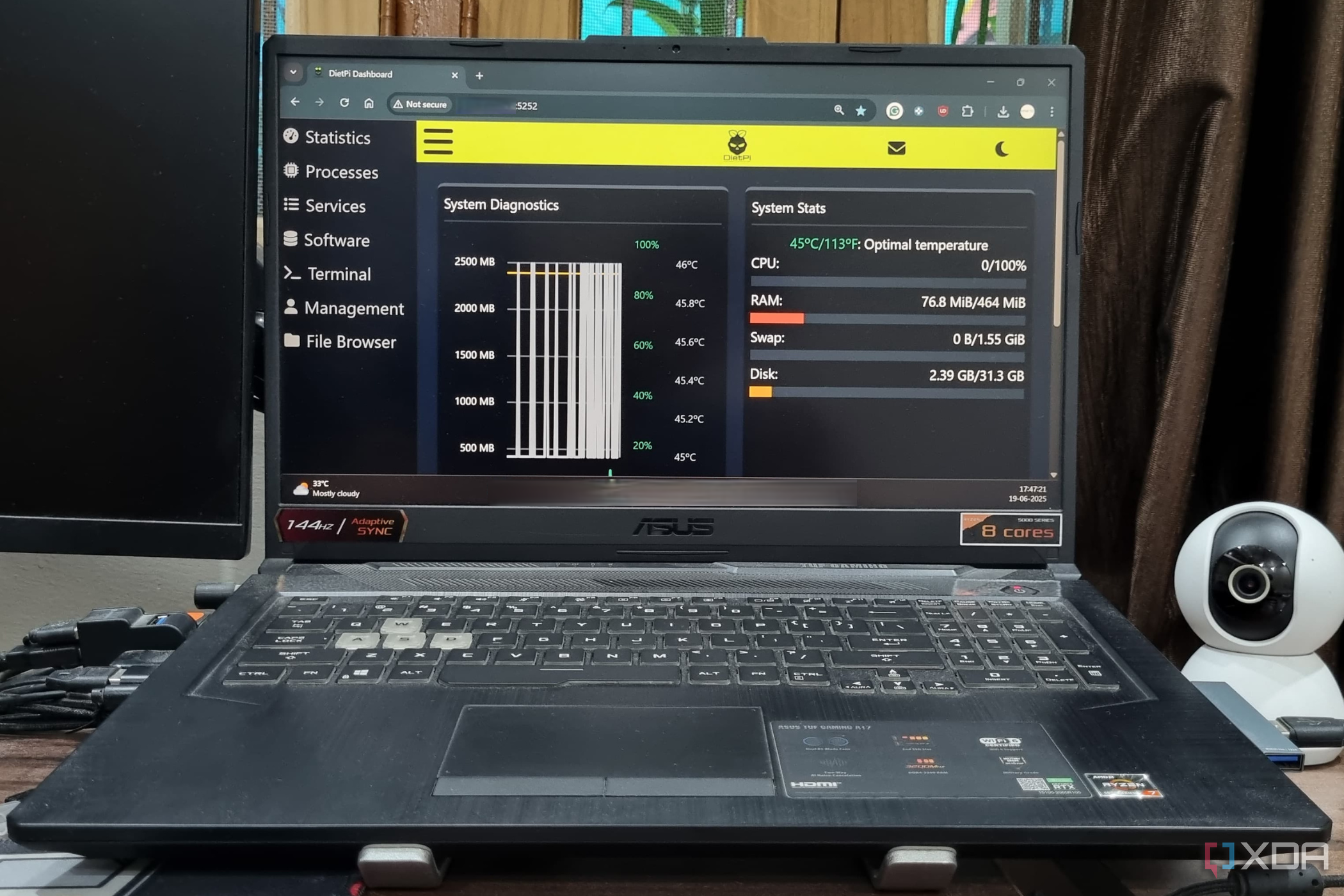
Although it’s often associated with the Raspberry Pi lineup of SBCs, DietPi is just as effective for x86 machines, including laptops. If you’re using a particularly outdated laptop with a weak CPU and low RAM, you’ll find DietPi a worthy companion for your system. Despite being based on Debian, it requires even fewer resources than its parent distribution.
In case you feel intimidated by its CLI-heavy nature, you can even arm DietPi with a lightweight desktop environment like Xfce or LXQt and use the distro like a regular GUI-laden OS. While we’re on the subject of running SBC-oriented distributions on PCs, you can even install Raspberry Pi OS on your laptop. That said, I wouldn’t recommend installing it at this point, as the desktop version of the distribution is based on Debian 11 and will go EOL in 2026.
Q4OS
I love it more than antiX and Puppy Linux
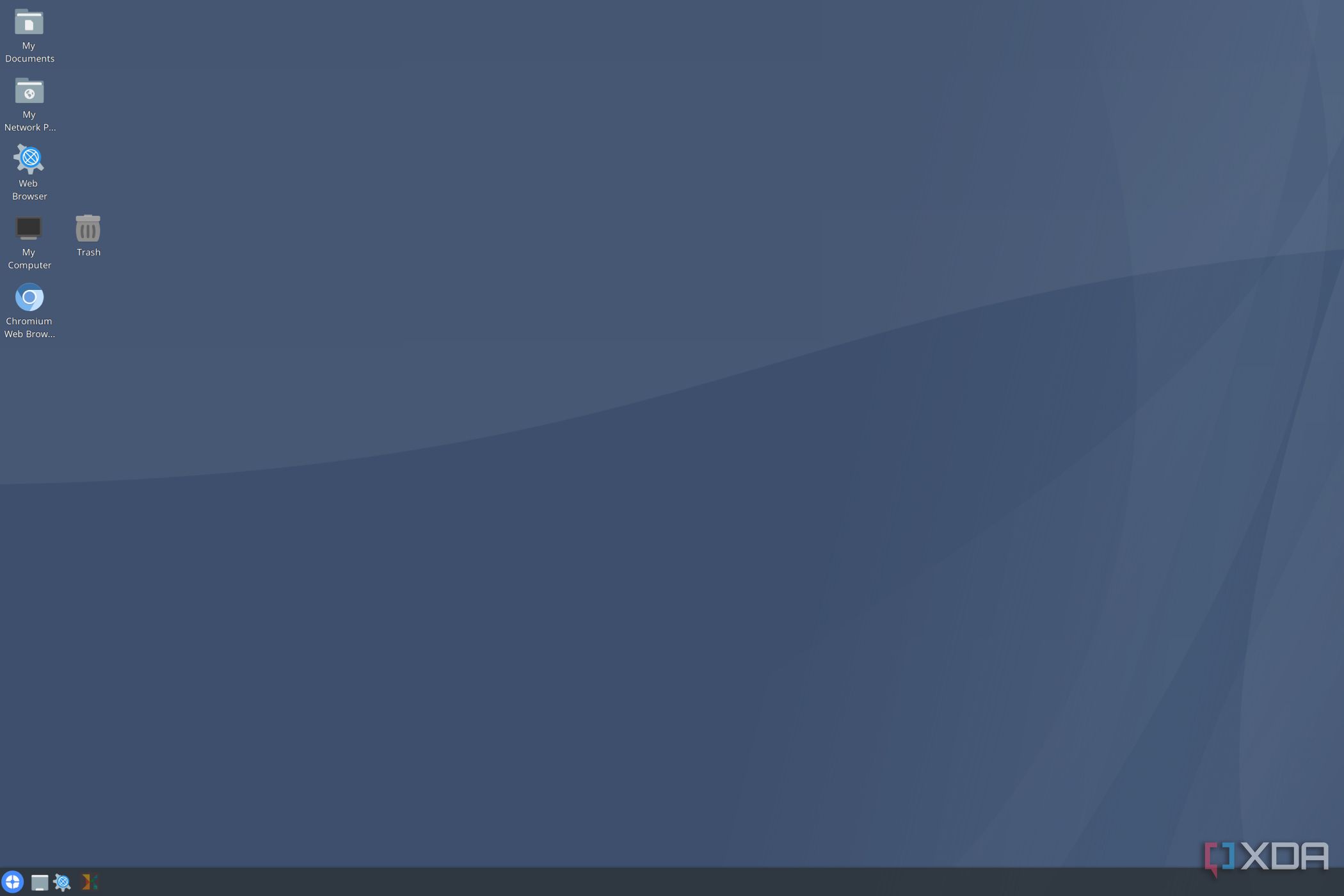
I was in a bit of a dilemma when choosing the top pick for this article. With their low memory requirements, Puppy Linux and antiX are solid choices for bringing old laptops to life and are stable enough to serve as daily drivers. However, I have to go with Q4OS as my favorite lightweight distribution.
Unlike the outdated-looking UIs of its rivals, Q4OS supports KDE Plasma, which offers a neat balance between aesthetics and performance. On particularly old laptops, you can opt for the Trinity Desktop environment, which requires as little as 256MB RAM.
There are even more operating systems for dinosaur machines
Aside from the distributions I’ve mentioned so far, Linux Mint, Xubuntu, and Bodhi Linux are great options to bring your old laptop back from the dead. And the number of operating systems skyrockets once you include server-oriented platforms.
For example, I recently set up Proxmox on my decade-old laptop, and while it wasn’t good enough for running GUI VMs, it serves as a neat LXC-hosting workstation. OpenMediaVault is another Debian-based platform, though it’s better for a file-sharing and data archival storage solution than a dedicated virtualization platform. If you fancy yourself a retro gamer, you can check out Lakka, Batocera, or RetroPie, while Jellyfin can transform your outdated laptop into a solid media-sharing server.
link