


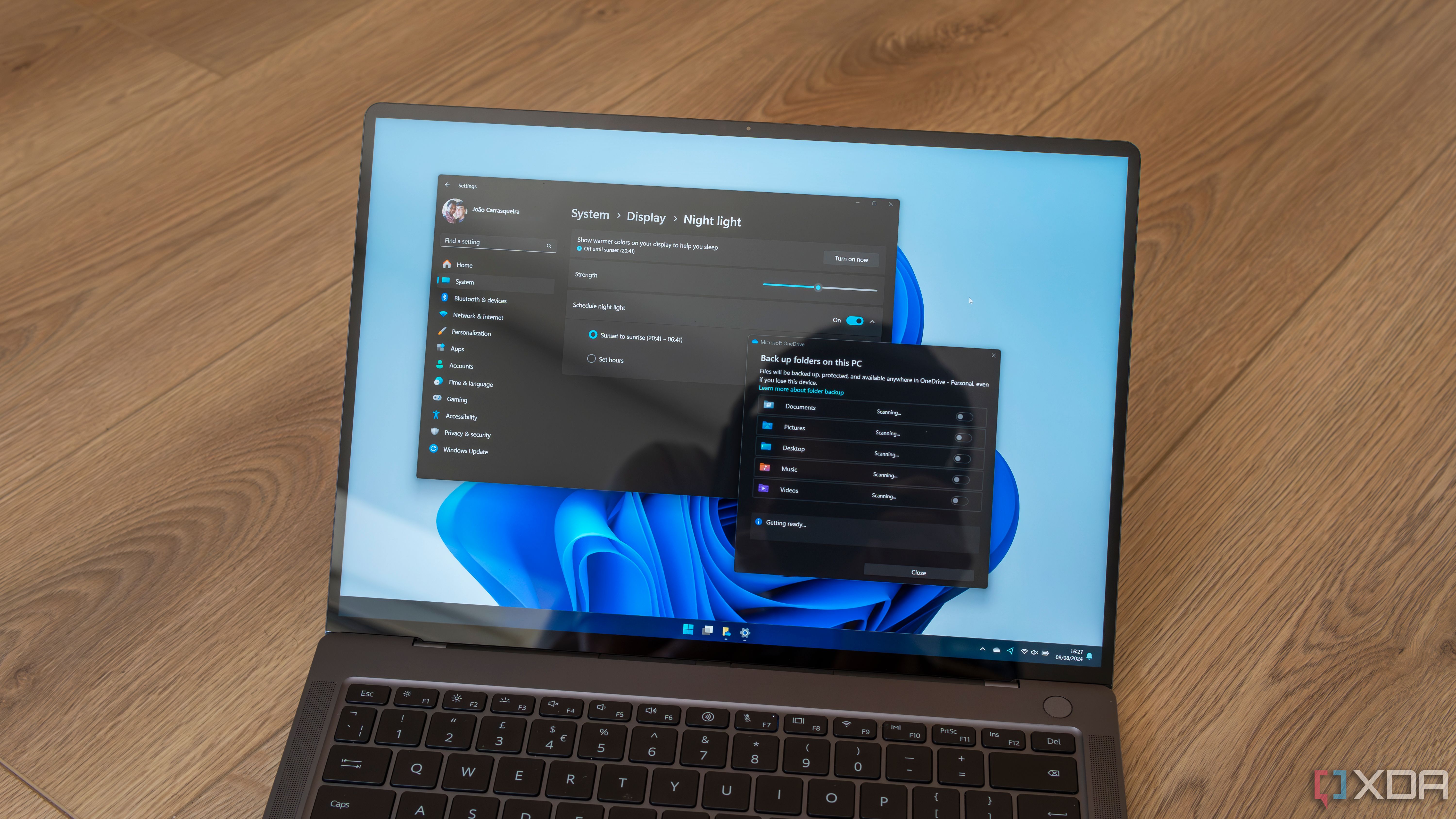
I recently turned a mini PC into a very basic NAS for my home, and I set up my software on top of a basic Windows installation that came with the device. In the article, I warned against using Windows for this kind of project, but that it certainly works for a basic setup if you aren’t looking to do too much.
However, if you’re wondering why you shouldn’t use Windows for a NAS, there are quite a few reasons why you wouldn’t. In fact, the only reason I used Windows for the project was convenience. There are very few benefits to using Windows.

Related
5
Inefficient resource usage
It’s not made for servers

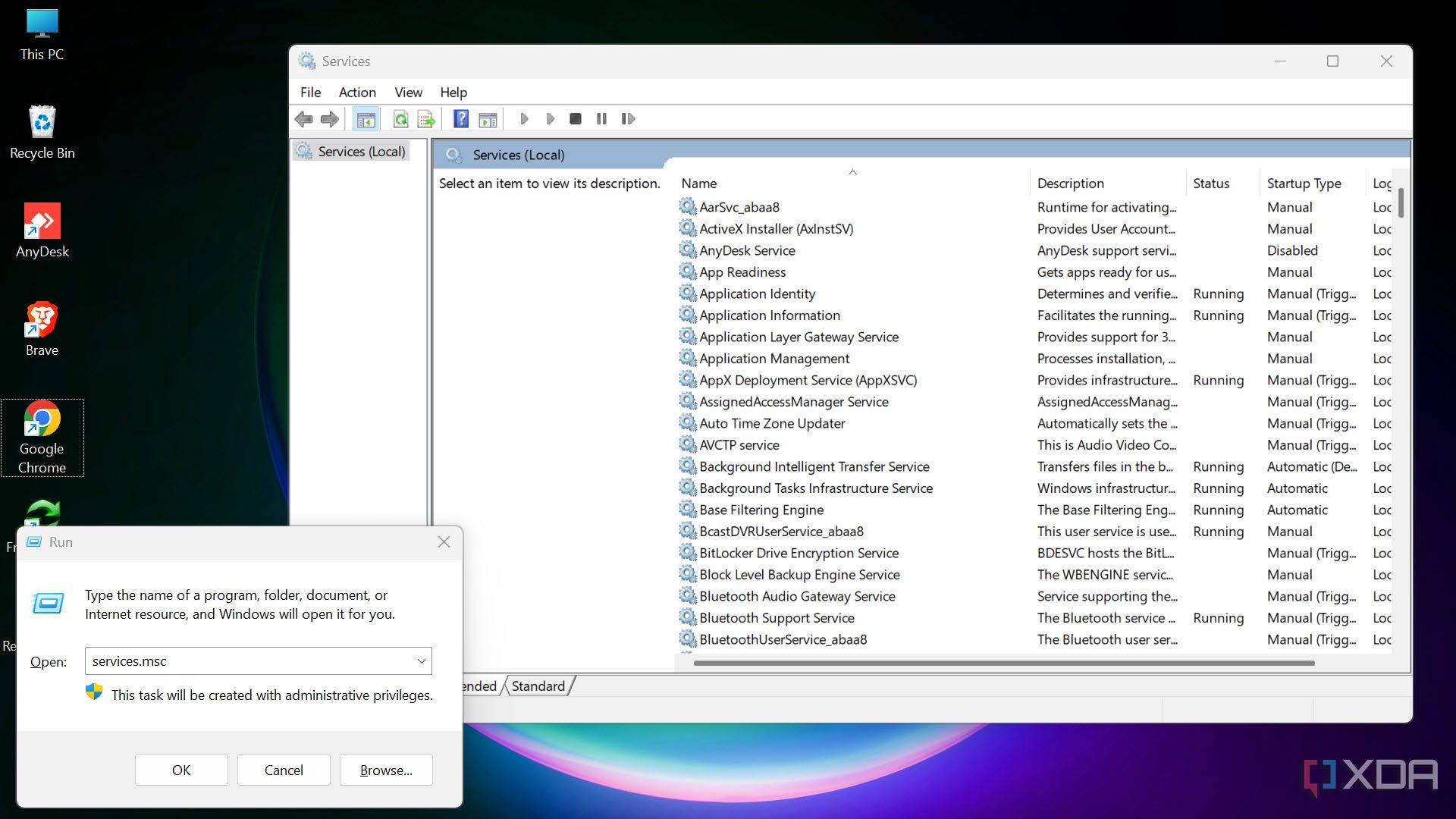
Windows is a general-purpose operating system, meaning that it has a lot of background services and processes that simply aren’t needed (or useful) for a NAS. These services will unnecessarily take up RAM and storage on your NAS when most of them aren’t even necessary for what you’re using the device for.
In contrast, a NAS that runs software like TrueNAS or Unraid will only run what’s necessary for your NAS, without any additional extras. You can disable features too, or even deploy your own Linux-based OS with your own services installed on it, instead.
4
No native ZFS support
This is a big one to miss out on
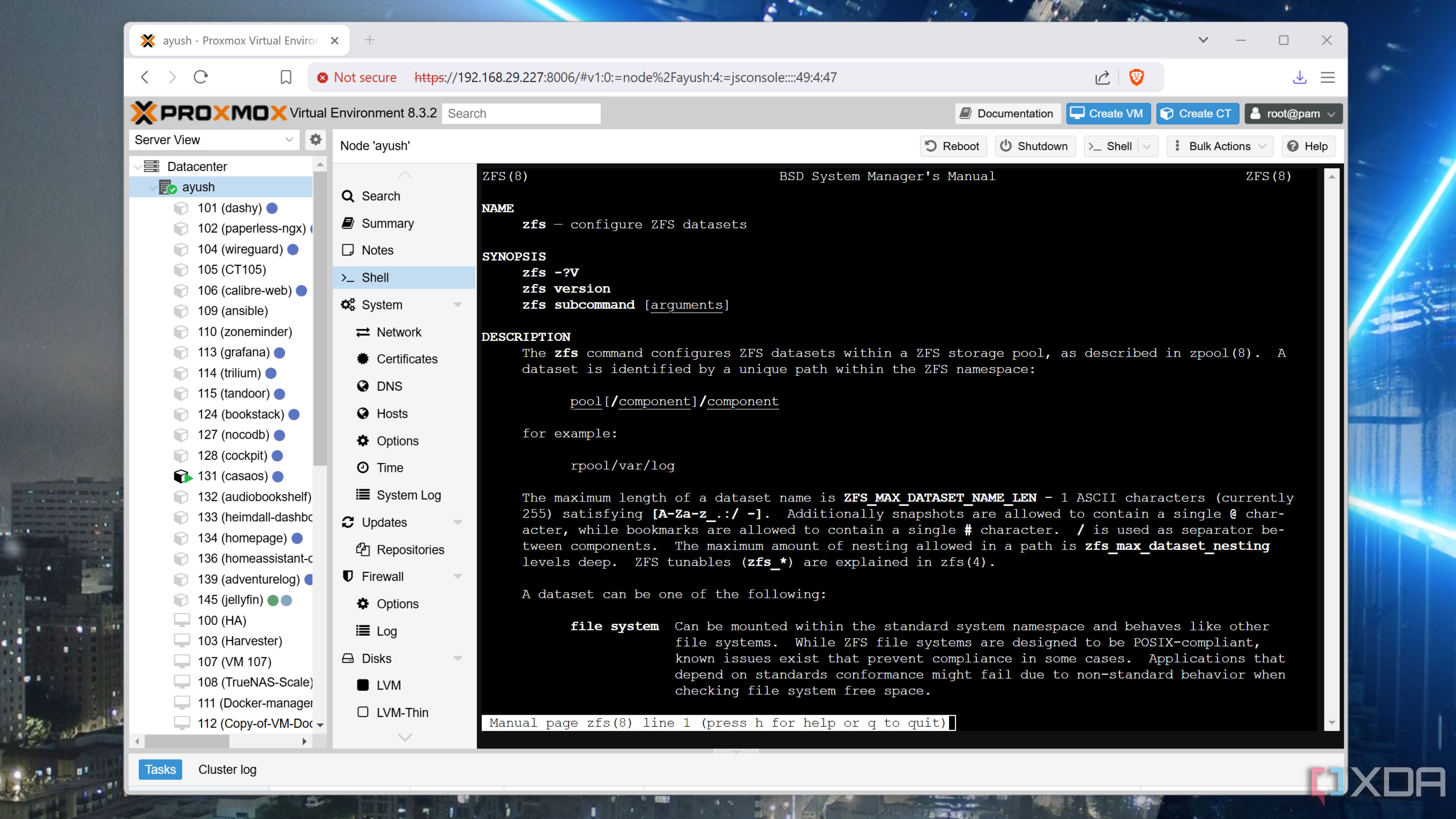
ZFS is one of the best file systems for NAS storage today, with Btrfs being its only real competitor. It offers a suite of advanced features that aren’t commonly found in other file systems… or at least not all in one place. Originally developed by Sun Microsystems and now actively maintained as OpenZFS, ZFS is more than just a file system; it’s also a volume manager, meaning it can handle disk organization and storage pooling directly.
One of ZFS’s biggest strengths is its emphasis on data integrity. It uses a copy-on-write mechanism, ensuring that any data changes are written to a new location before updating pointers, which helps prevent corruption from power failures or crashes. Additionally, ZFS performs end-to-end checksumming to detect and automatically repair inconsistencies, pulling from redundant copies to self-heal when necessary. On top of that, native features like compression, deduplication, and encryption help optimize storage efficiency and performance.
Windows lacks native ZFS support, and while there are workarounds to get it running, it’s far better to use an OS that supports ZFS natively.
3
Forced updates and reboots
Not ideal for a server

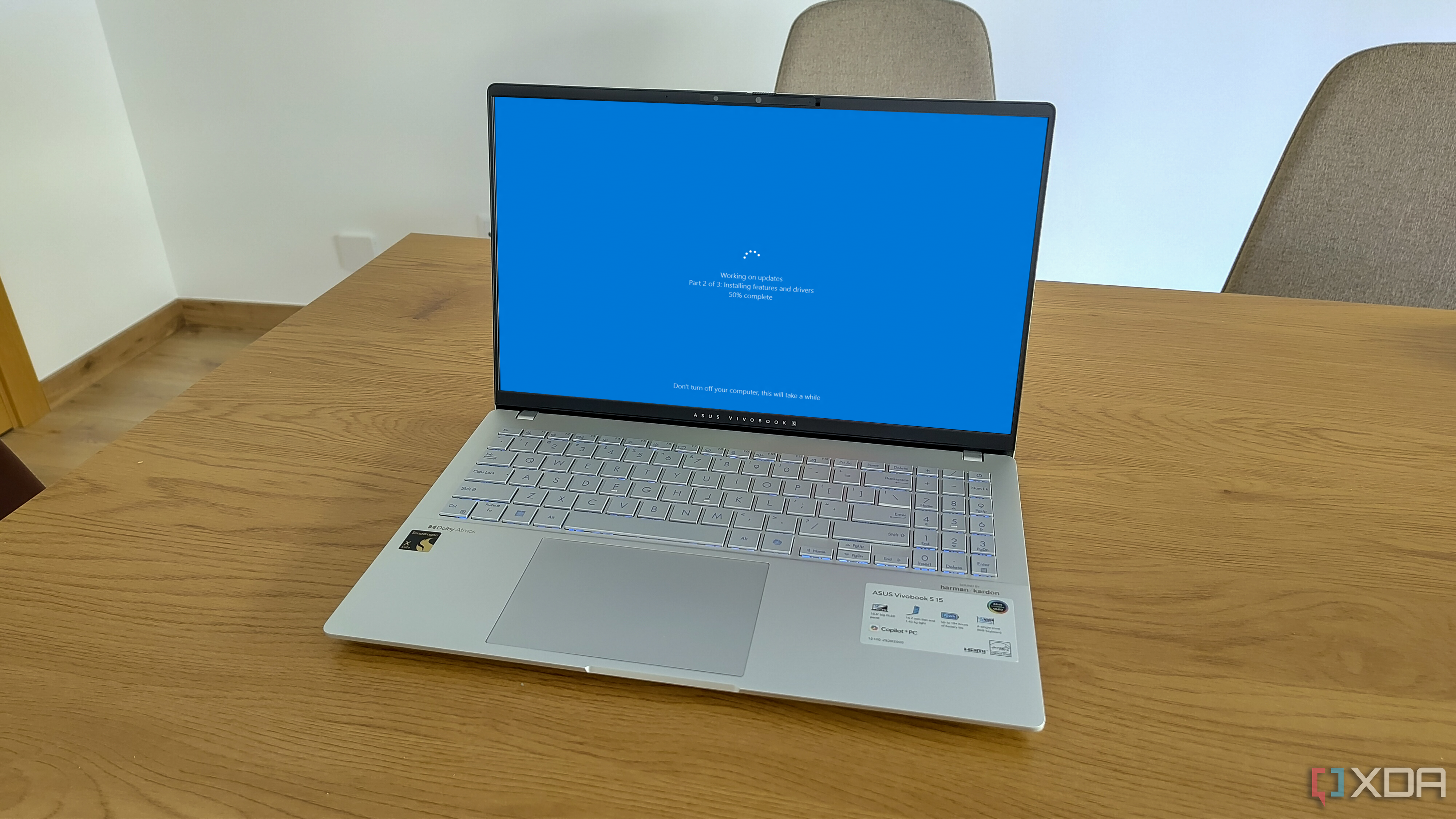
Unlike most NAS systems that will give you a lot of control over updates, Microsoft isn’t exactly known for giving users that same level of control when it comes to Windows. Your NAS could be live, streaming video, or processing something important… and then it’s suddenly offline. Turns out, it decided to do a Windows update, and now you have to wait.
A regular NAS can allow you to schedule that downtime for updates, or you can simply just start the process remotely over the web. There’s no random time period where your NAS just… stops working, which can be incredibly frustrating if you come across it. There are ways to protect against it so that all of your services start back up again, but it’s just not made for the kind of uptime you’d want from a typical NAS.
2
No built-in Docker or VM management
You’ll need to jump through some hoops
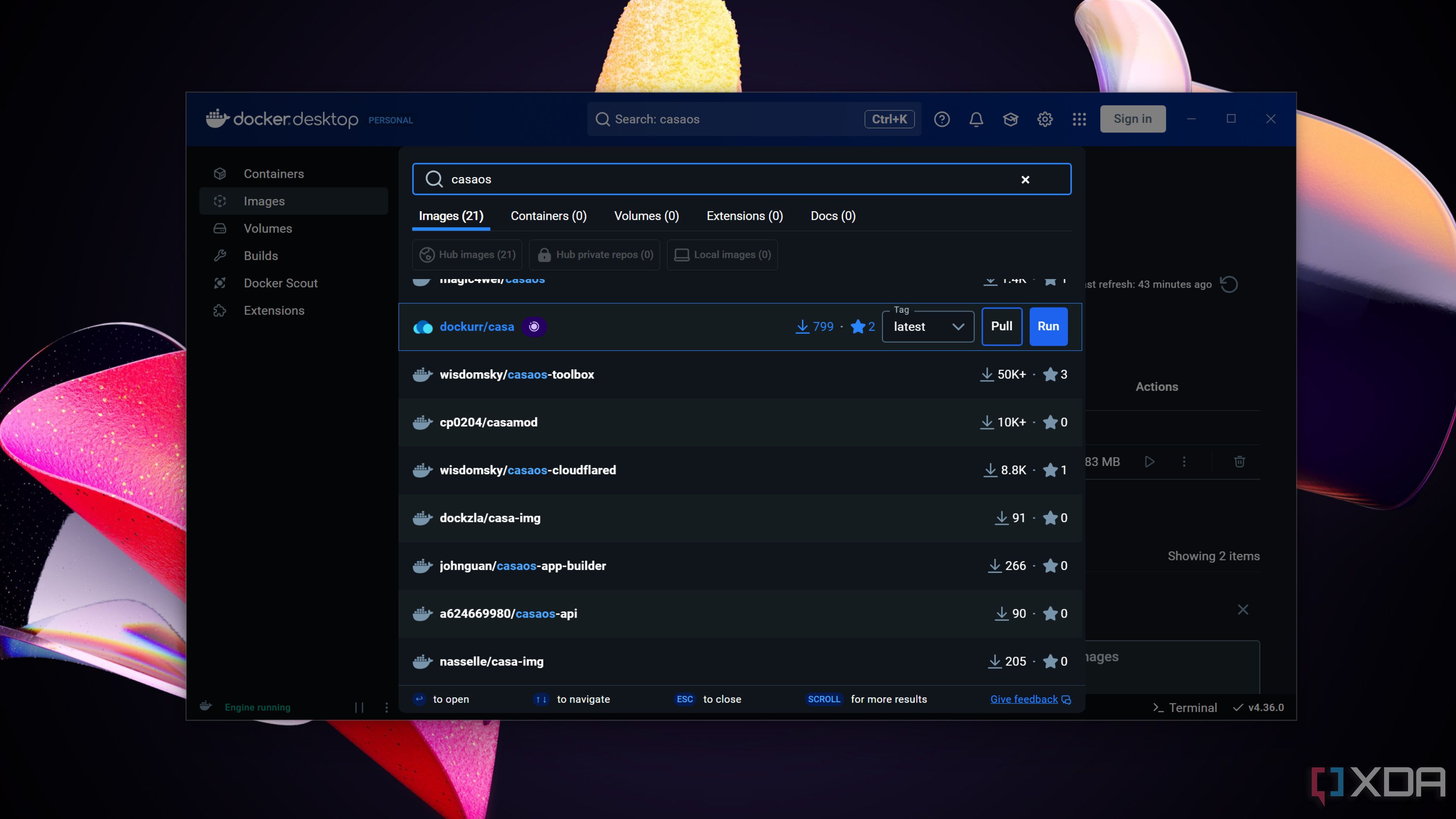
Windows has Hyper-V and WSL2, but those are additional extras that are built on top of Windows in order to facilitate the likes of Docker or virtual machines. This adds an additional layer of complexity, and even Microsoft says that WSL can be challenging when used in a production environment. While as an end-user it can work very well, the truth is that it’s just easier to use Linux when you want to work with Docker.
Given that most software you would want to use on a NAS will be distributed as a Docker container that you can download and run, it just makes more sense to skip Windows and go straight for Linux. You can definitely run your containers on Windows if you want, but it’s an added complexity that you don’t need.

Related
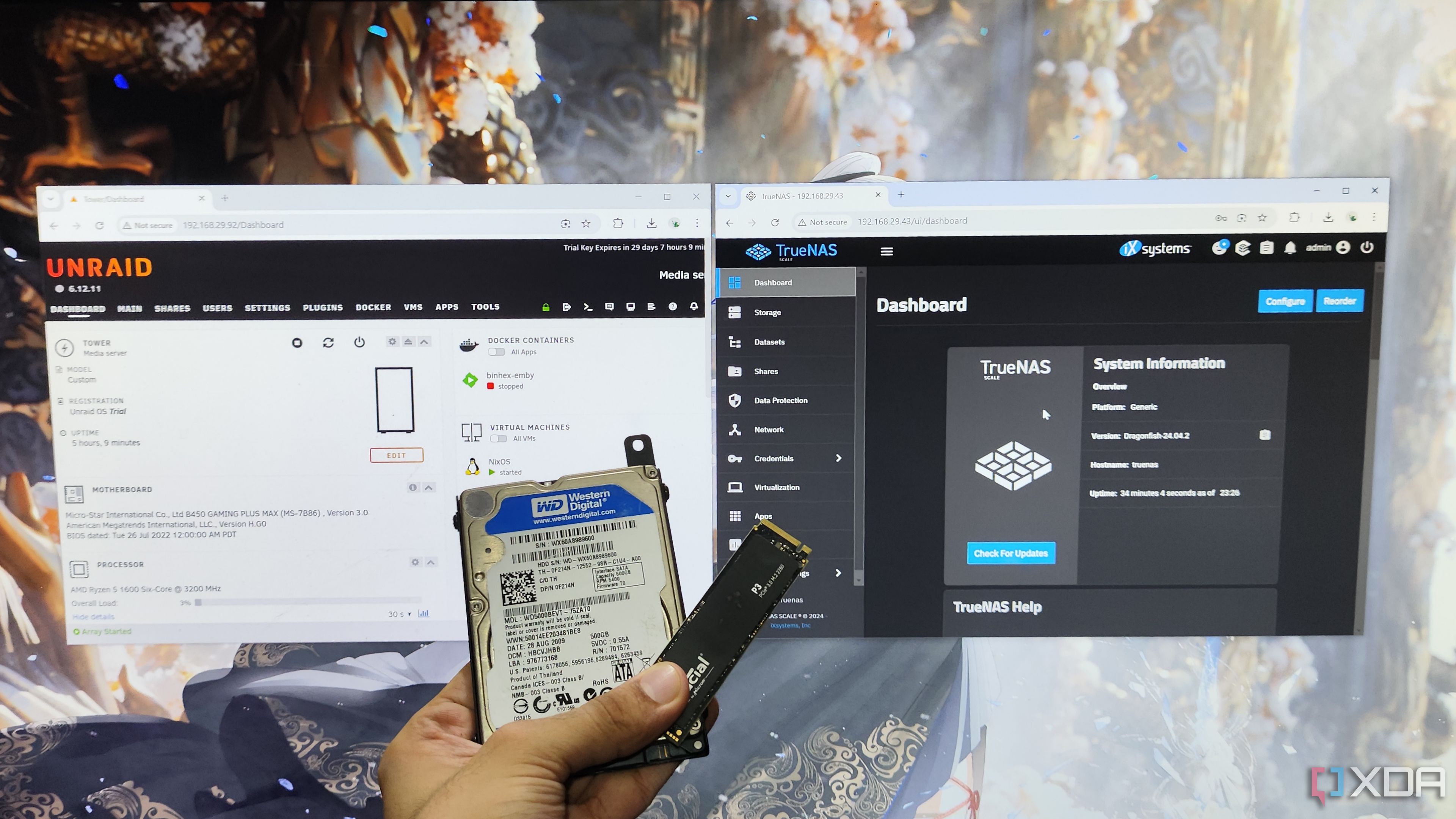
5 reasons why I use Unraid over TrueNAS Scale
TrueNAS Scale is an excellent NAS operating system, but here are the reasons why I prefer Unraid
1
Clunky remote access
You’ll have to go to great lengths
If you want to access your server remotely, Windows doesn’t offer many great options. You can set up a service like Portainer to manage your containers, but there’s no way to manage every aspect of your system from afar. In contrast, with a Linux system you can SSH into, or with TrueNAS, you can control practically every aspect with a web UI.
If you wanted to have proper remote access to your Windows-based NAS, you’d probably realistically need to set up something like VNC. There are other ways to do it too, but nothing out of the box that will work the same way as your Linux machine will.
link