


The PC operating system landscape is largely divided into Windows, macOS, and Linux, with Windows taking the lead in terms of popularity. However, Linux is slowly becoming more mainstream every day, and has a ton of cool distributions to try out – ranging from beginner-friendly distros to hardcore distributions that only terminal experts can tame.
But what if you’re tired of all three OS families and want something fun to spice up your computing life? Well, FreeBSD distributions are more than viable for consumer use. Whether it’s powering your storage server or turning an old machine into an everyday PC, there are a number of FreeBSD distros you can tinker with these days.
For a lightweight storage server
When you’re building a Network Attached Storage (NAS) server, TrueNAS (Scale) and Unraid are the most popular options – and rightfully so. But if you want a no-nonsense operating system that’s fairly light on resource consumption, you might want to turn your attention to XigmaNAS. Under the hood, XigmaNAS packs the all-powerful ZFS file system, so you can leverage its snapshots, RAID support, and self-healing provisions into your FreeBSD NAS server.
For tinkerers who prefer 3-2-1 backups as much as I do, you’ll be glad to know that XigmaNAS natively supports Rsync. Likewise, the distro also supports Syncthing right out of the box, allowing you to create multi-directional sync links between different systems. Couple that with the solid transfer speeds and compatibility with most of the popular file transfer protocols, and XigmaNAS becomes an OS worth checking out for a NAS machine.
It can even power your server node

Although XigmaNAS is a terrific distribution for data hoarders, it falls short on the home lab front. Sure, it includes phpVirtualBox if you want to mess around with virtual machines, but it’s hands-down my least favorite virtualization interface. By default, XigmaNAS requires heavy terminal commands to deploy jails, and you’ll have to configure an additional plugin just to get a somewhat functional web UI for managing jail-based services.
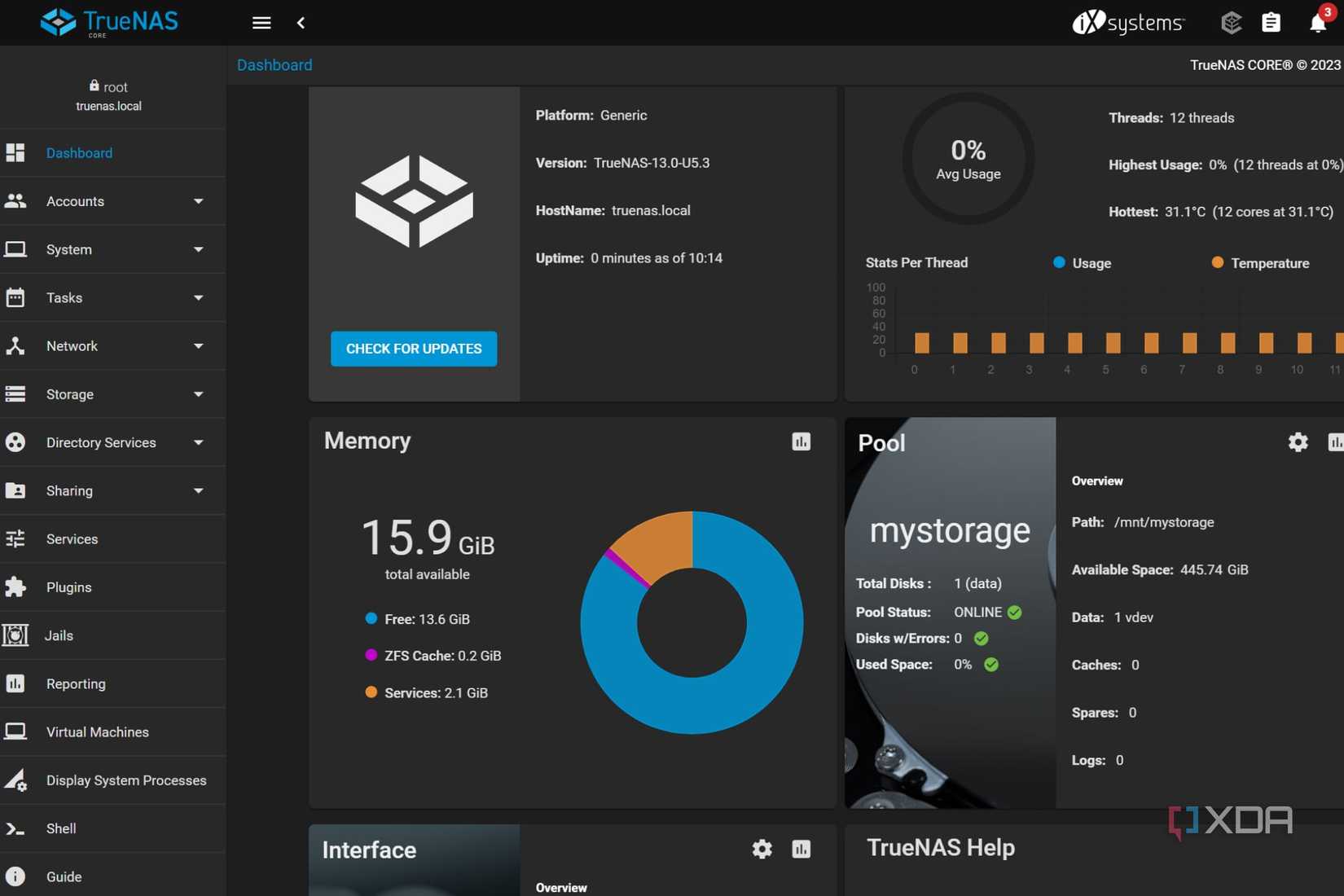
TrueNAS Core houses most of the NAS-centric features as its FreeBSD cousin – including ZFS support, built-in backups, solid RAID compatibility, and popular network sharing protocols. However, its App Store makes deploying jail services a cinch, and you get a functioning web UI to tinker with VMs. As such, TrueNAS Core is a decent platform if you want to assemble a FreeBSD NAS that can also serve as a home lab workstation. The only caveat is that iXsystems has moved TrueNAS Core to maintenance mode. While TrueNAS Core isn’t dead per-se, the distro won’t receive feature updates like its Linux sibling, TrueNAS Scale.
The portable FreeBSD experience


Similar to their Linux brethren, you’ll find a couple of live distributions in the FreeBSD ecosystem. However, NomadBSD differs from the lot, as it’s a distro meant to be used with a live USB drive. Instead of setting it up on an SSD/HDD like a conventional OS, NomadBSD runs off a flash drive and uses persistent storage to save your files, system settings, and apps.
As such, it’s perfect for folks who want to familiarize themselves with the quirks of FreeBSD without configuring dual-boot. Its UI is also pretty neat, and it packages a solid collection of applications, so you can even use it as a general-purpose distro.
A terrific router OS
Deploying a self-hosted firewall and hardening its traffic rules can help protect your home network from malware floating on the Internet. OPNsense is one of the best tools for the job, and can turn any old router or PC into a reliable firewall that houses several security features you’ll find in an enterprise-grade network.
Besides allowing you to configure the rules for your IPv4 and IPv6 network traffic, OPNsense also lets you monitor the packets entering and exiting your devices. OPNsense features built-in Intrusion Detection and Prevention (IDS+IPS) provisions, so you don’t have to self-host separate tools for these tasks. Likewise, OPNsense includes the option to set up OpenVPN and IPsec networks, and you can use multiple WAN connections for extra failover and load-balancing support. That’s before you consider the arsenal of plugins that can further level up your OPNsense router’s capabilities.
Surprisingly amazing for everyday tasks
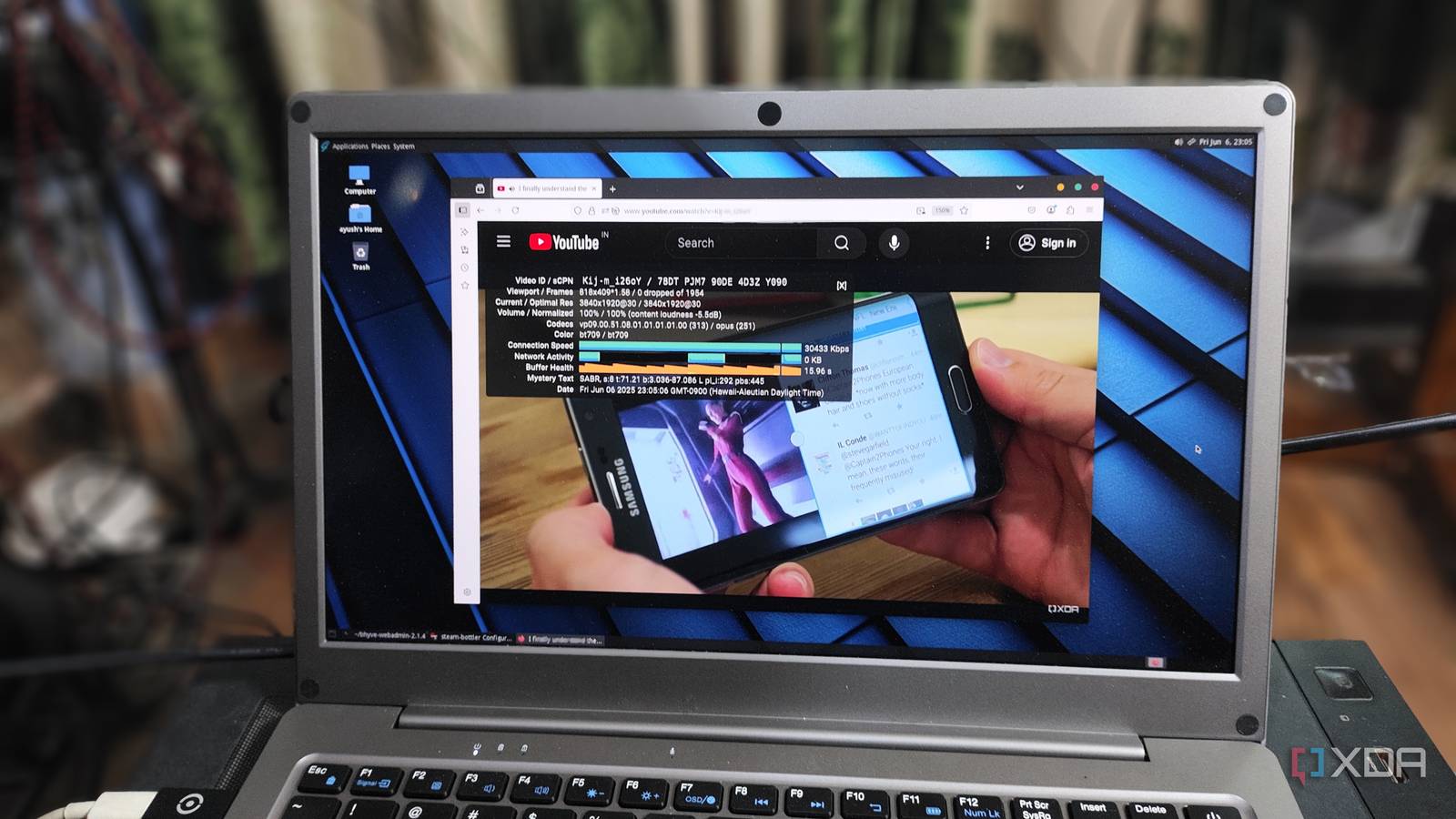
When I first tried to set up FreeBSD, I was met with one compatibility issue after another. So, you can imagine my surprise when the FreeBSD-based GhostBSD not only worked on my first attempt, but also provided a polished UI that revived my old test machine into a full-on everyday PC.
On the software front, GhostBSD is compatible with pretty much all the productivity applications I use on a daily basis – including web browsers, email platforms, and design tools. Likewise, I even managed to deploy a virtual machine after installing the Bhyve hypervisor and its Webadmin package. Although I couldn’t get Steam, Obsidian, and Joplin working on GhostBSD, it’s still my favorite FreeBSD distribution for resurrecting old machines as productivity workstations.
FreeBSD distros aren’t far behind their Linux brethren

So far, I’ve highlighted five of my favorite FreeBSD distributions, but there are plenty of other cool operating systems to try out. DragonFly BSD was initially forked from FreeBSD, and you can use it to play around with the HAMMER filesystem, provided you’re willing to deal with some compatibility issues. If you’re not a fan of OPNsense, you can look into pfSense when building a custom router/firewall. And for hardcore computing enthusiasts looking for a challenge, you can also try to set up FreeBSD. While it’s not entirely free from hardware compatibility issues, you could turn it into a server node – or even an everyday system – with a little bit of patience.
link