


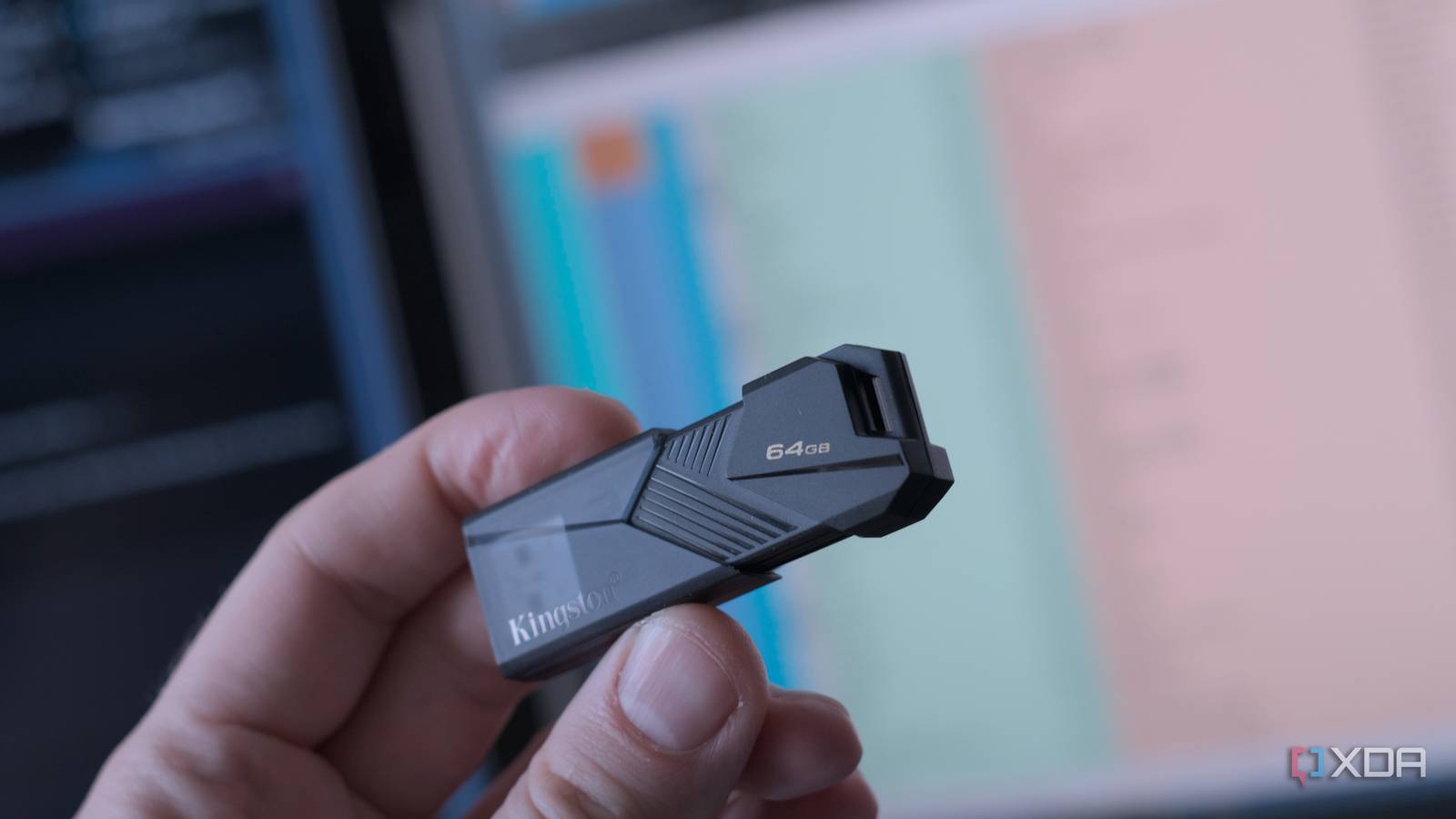
One of the most frustrating parts of troubleshooting any PC is that it’s often the only device you have, making it tricky to recover data or reinstall the OS. I’ve long had a collection of USB drives, each with common operating systems to troubleshoot, reinstall, and reimage my machines, but keeping track of each drive is a pain.
But thanks to one tool, I can stuff multiple ISO files onto one USB drive and have them all bootable, so I only have one physical drive to keep hold of. It makes recovering from a disaster much shorter, and you can create one just as easily. While my list of ISOs might be fairly short, they’re all things I use regularly and I see no point taking up space with other operating systems that I know I won’t touch.
Ventoy makes this collection possible
It turns a live USB into a multitool of digital awesomeness
There are probably a few ways I could have multiple ISO files on one USB, but Ventoy makes it easy. It turns your USB drive into a bootloader, so that when you boot your PC, you’ll see a list of potential ISO files to boot from. All you have to do is download those ISOs and copy them to the drive once you’ve run the Ventoy creation tool on it, and it couldn’t be easier.
It took me longer to decide which ISO files to include than it did actually to create this magical “rainy day” USB drive, and now I’m armed against disaster with the bootable ISO files that I used to have on half a dozen individual drives.
I’ve got Ventoy on a 128GB USB drive, so I have plenty of space to play with. When I created the drive, I left about 30GB unpartitioned. Once I’d run the Ventoy creation tool and moved ISO files over, I then formatted that unpartitioned space as exFAT, and moved a ton of common installers over to it.
I’ve got Wi-Fi drivers for Intel, Realtek, Mediatek, and Qualcomm, plus wired Ethernet drivers for Intel, Realtek, and Aquantia, so I know Windows will have the drivers needed to get online. They don’t need to be the latest, but I update them occasionally so they’re not ancient. Then I’ve got installers for Chrome, Macrium Reflect, HWInfo64, and the programs I use to test new devices. And of course, Dropbox, Discord, Slack, and a few other communication tools that I don’t want to waste time downloading.
As for what’s on my USB drive…
It’s a mix of troubleshooting, wardriving and rescue ISOs
The trick with using Ventoy is to put the operating system ISOs you know you’ll use. There’s no point keeping tons of old ISO files that will quickly be outdated, unless you spend time updating them all every month.
Currently, my repair and restore USB has the following on it:
I’ve always used Hiren’s to troubleshoot my Windows machines, and I was so glad to see it resurrected by a group of fans and updated to Windows 11 PE x64. It’s the one ISO I’ve always had a bootable USB for, even if I haven’t always had one for Windows 11. The rest of the mix is a recovery ISO from the backup software I use, Macrium Reflect, Kali Linux for sniffing out network issues, Tails OS for ultra secure use, and the ever-dependable Memtest86+.
Oh, and Arch Linux and Windows 11, being the two operating systems that are on most of my installed devices. That changes as my moods and usage do, and I’ve had all kinds of Linux distros on there, but I prefer to have a pared-down list these days, and I don’t keep ISOs for Debian, OpenSUSE, and Fedora anymore.
And a tool to use any ISOs I have on my NAS
Netboot.xyz is the secret weapon in my Ventoy USB, because it can use any of the ISOs on my PXE server to boot up or reinstall my machines. There’s something magical about being able to boot from a file on the other side of my house, then re-image the running PC once it’s installed and set up, ready for repeated home lab experimentation.
But it’s more than just home lab shenanigans; I can keep fresh images of my laptops and PCs to recover from disaster in minutes instead of hours. It makes all the difference sometimes, and I don’t even need to host all the ISOs because Netboot.xyz can pull common ISO files from the internet for me.
You might have noticed I don’t have an antivirus ISO
In the old days, I probably would have fired up Avast or any other bootable antivirus packages and tried to salvage what’s on the system. But that age is over, and it’s too difficult to remove rootkits, malware, ransomware, and any other nasties that might be just waiting for the right time to contact their control server.
I back up my systems regularly, so I know I can wipe them with impunity if I do get infected. I’ll do this straight away without question, because the only way to remove modern malware is to wipe everything from orbit. Then, I’ll boot up with the Macrium Reflect ISO, and replace the latest image of my system.
Today’s threat landscape is much more sophisticated, and things hide, then contact their control server to download the actual malware or credential stealers, and then you’re really in trouble. If antivirus has flagged something, and I’m unsure if it’s been removed, it gets wiped. It might be the nuclear option, but it’s the preferred method for enterprise IT departments, and if it’s good enough for them, it’s good enough for me to use at home.
I hope I never have to use my rainy day USB but I’m glad its there

Over the years, I’ve added new operating system ISOs to my fix-it USB drive. Hiren’s has always been on it, but when Ventoy came out, I started adding more options, with Memtest86+, then Macrium, and then whatever Linux distro I used most. For most of the time, that’s been Ubuntu or another Debian variant, but recently it’s been Arch and I’m sure it’ll change again at some point. The most important thing is to have the USB set up, so that I’m not caught needing to download an ISO from another PC, or from my phone, and figure out how to get that onto a bootable USB so I can fix my broken PC.
link