


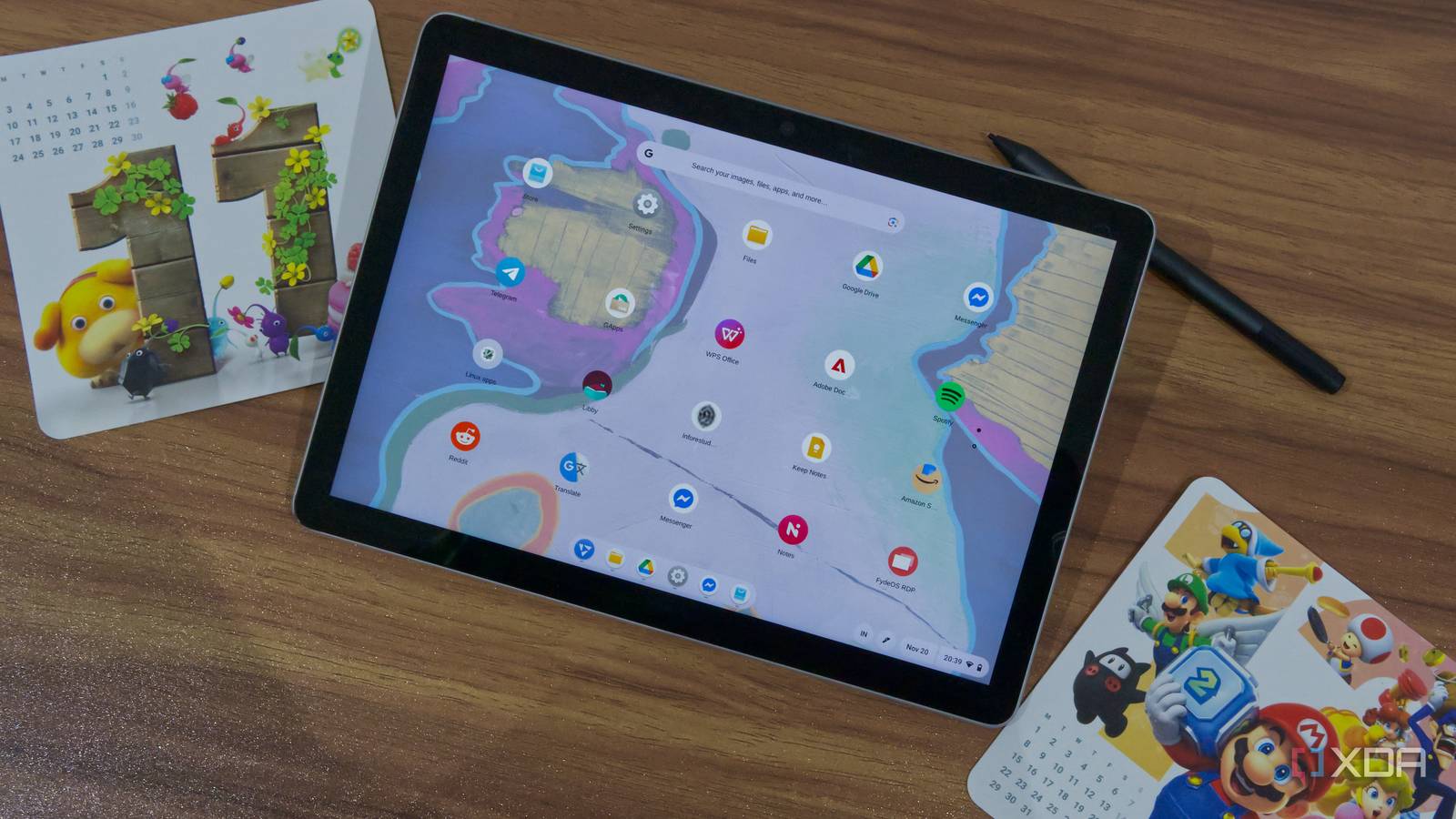
Windows 11 catches a lot of flak for a lot of reasons, but one common criticism is that it’s a bloated operating system. It requires at least 64GB of internal storage, and close to a third of that will be taken by the operating system after it’s properly installed with the latest updates, which makes it hard to have any of your own data on it. Plus, all the background services and extra features you may not need can slow things down to a crawl on low-end hardware.
That’s exactly what happened to my wife. Her old Surface Go 2 was never a super-powerful device; it has an Intel Pentium processor, 8GB of RAM, and 128GB of storage, so it was never winning any awards, but after Windows 11, my wife described it as basically unusable. We set out to fix that, and the solution wasn’t too far away — it’s called FydeOS, and this isn’t my first rodeo with it. But seeing its effects on the Surface Go 2 is certainly impressive.

The ups and downs of Windows
Well-designed, but bloated


I can’t directly speak to how the Surface Go 2 performed on Windows 11 since it’s not my device. What I can say is that before this, it had been many months since I saw my wife use it at all, and when she recently started going back to university, she was absolutely convinced she needed to install a different operating system on it. She already uses Arch Linux on her laptop, but she and I both know that wouldn’t be the best experience for a tablet.
That’s just the thing about a device like the Surface Go 2 is that it’s hard to leave Windows behind. Compared to most typical Linux distros, Windows 11 still offers the best touch-focused experience, with swipe gestures and adequate responses to touch interactions. So installing something like Ubuntu, Fedora, or anything based on your average Linux distro may improve performance, but it wouldn’t do much for overall usability.
That’s where FydeOS comes into the picture.

Tired of Windows 11 being filled with junk? Here’s how to remove it
Get rid of the bloatware
FydeOS is the perfect lightweight solution
It’s technically Linux, but hear me out


Technically, FydeOS is a Linux-based operating system, but so are ChromeOS and Android. These products aren’t typically talked about in the same breath as Linux at large, so FydeOS deserves the same treatment. It’s Linux-based, but it’s something all its own, too.
FydeOS is a community project that brings Google’s ChromeOS to all kinds of PCs. It’s not like the official Chrome OS Flex, which kind of does the same thing, but lacks support for Android apps and has a somewhat annoying installer. Setting up ChromeOS Flex installation media requires a dedicated browser extension, and it makes it harder to use that flash drive for anything else, too. FydeOS works much more like Windows or a normal Linux distro in that sense, so it’s already a great start.
In addition to support for Android apps, another immediate benefit of FydeOS is that it’s fairly lightweight, and for a device like the Surface Go 2, there are even dedicated builds. The FydeOS team has custom builds for a lot of Surface devices, including the Surface Go 2, which helps ensure you have a good experience. The download is just over 2GB, which goes to show how lightweight the experience is out of the box. Of course, things like setting up the Linux subsystem or installing GApps (if you want Google’s mobile services) will eat into that space a bit more, but it’s good to have a lot more free space out of the box. Plus, you can use Android apps without Google’s mobile services, as long as those apps don’t require it.
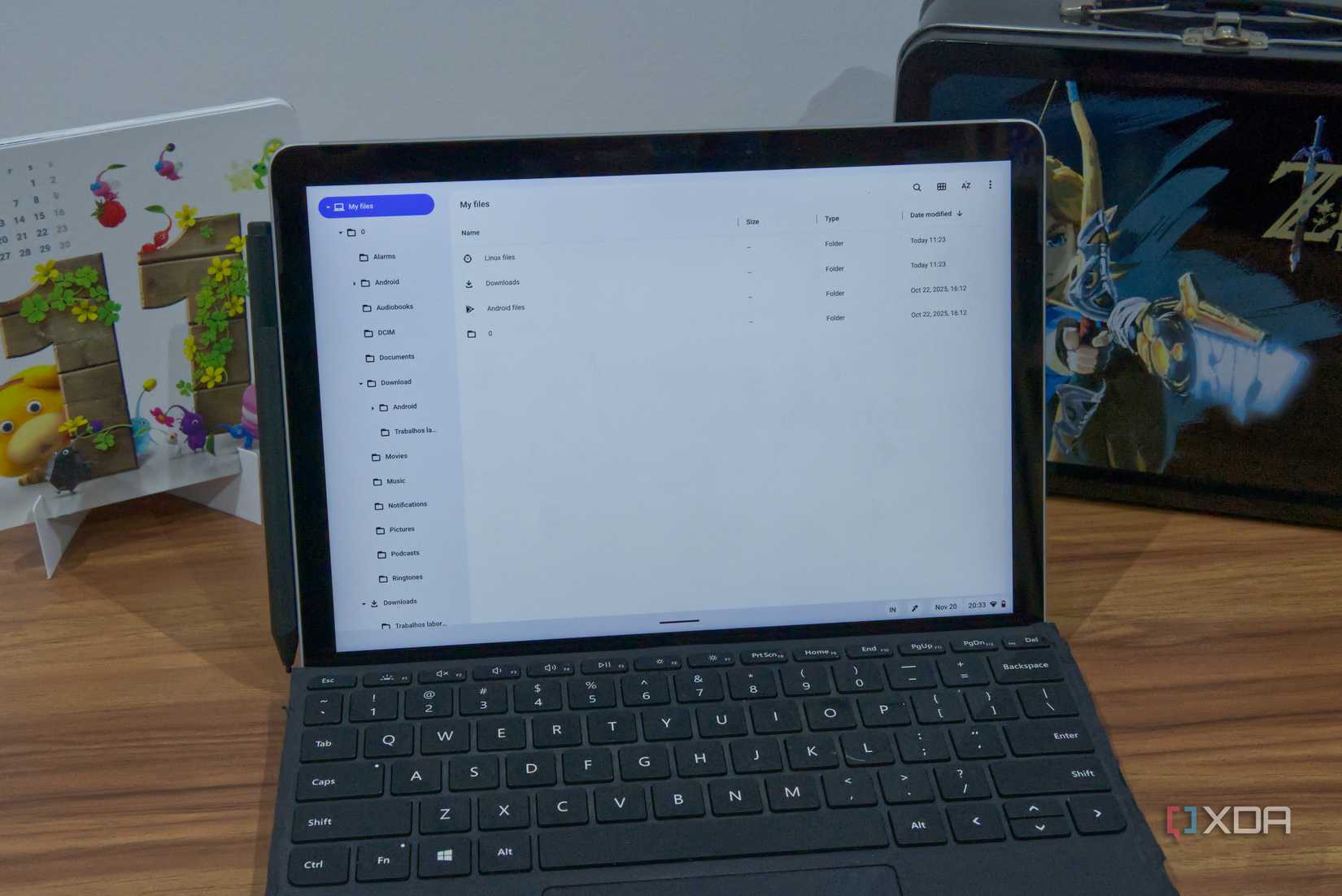
As much as I want to highlight different features of FydeOS, the best and most accurate way I can praise FydeOS is by quoting my wife. When I asked her why she liked FydeOS, she just said “I can use my tablet now”, and it’s hard to argue with that. She uses it as both a tablet and a laptop for lightweight tasks; anything involving documents, messaging, and so on, and she says it works great.
Her primary complaint is the file system being a little more strict with how you can organize your files compared to the more freeform approach of Windows, but otherwise, the experience seems to be everything she wanted.

3 reasons FydeOS is a top-tier operating system for the Raspberry Pi
All hail the uncrowned king of Raspberry Pi operating systems
A great interface for touch
Perfect for tablets
What makes FydeOS an even better pick for the Surface Go 2 is that, much like ChromeOS, it’s actually designed with more consideration for touch devices. A lot of Chromebooks are devices like the Surface Go 2, tablets that can also double as a laptop, so the touch UI has received quite a bit of focus. It’s much more friendly than your typical Linux distro, and FydeOS even works quite well with the Surface Pen. You may not get all the fancy inking features of Windows 11, but it is functional, and you can use it for handwriting or drawing. My wife mostly uses it for more precise input while navigating the UI, though.
One feature she called out as particularly nice is the screenshot tool. It has a very intuitive interface, and you can perform a Google image search directly from the screenshot UI. It’s somewhat similar to the Snipping Tool on Windows 11, but even more convenient.

And of course, support for Android apps just makes that even better. As great as FydeOS is, an operating system based exclusively on web apps wouldn’t be the best for touch, or indeed, in general. The Fyde Store actually includes a decent selection of Android apps that don’t require Google mobile services — including Meta’s Messenger, Telegram, Reddit, WhatsApp, Apple Music, and many more — and my wife has a few of these, including the aforementioned Messenger. If you don’t want to give Google any of your information, you still have a solid set of apps to get started.
If you do want to go that route, though, you also have the option to configure Google apps, which opens up your options even more. My wife hasn’t felt the need to do this herself, but when I tested FydeOS a while back, I did, and I can confirm it works pretty well with most of the apps I tried, like Nintendo Music. What she did (kind of) set up was the Linux subsystem, which lets you do more “real” Linux work. You might not want to do too much with a Surface Go 2, but hey, the option is there. You get a terminal, which you can use to install all kinds of Linux apps if you need something a bit more serious.

I didn’t like ChromeOS Flex, and I prefer this Linux distro to revive an old laptop
Your old laptop deserves better
FydeOS is great for those old Windows tablets
If you have an old Surface tablet lying around, FydeOS is an excellent way to bring it back to life. Yes, it may not be built for all the more demanding workloads, but I suspect most people hanging on to these old tablets are probably using it for basic web browsing, staying in touch with family, or watching some online videos. Even document editing works well enough here, and it’s become my wife’s sidekick for school when she doesn’t need her engineering software, or to use as a second screen for her laptop when she does.
It just goes to show there could still be life left in some of these old devices, so before you throw it out or trade it in, I suggest taking a look at FydeOS. Even if it’s not for yourself, it can still make a great hand-me-down for a relative.
link