iOS 26.2 coming soon. Why Apple recommends updating to iOS 26 now
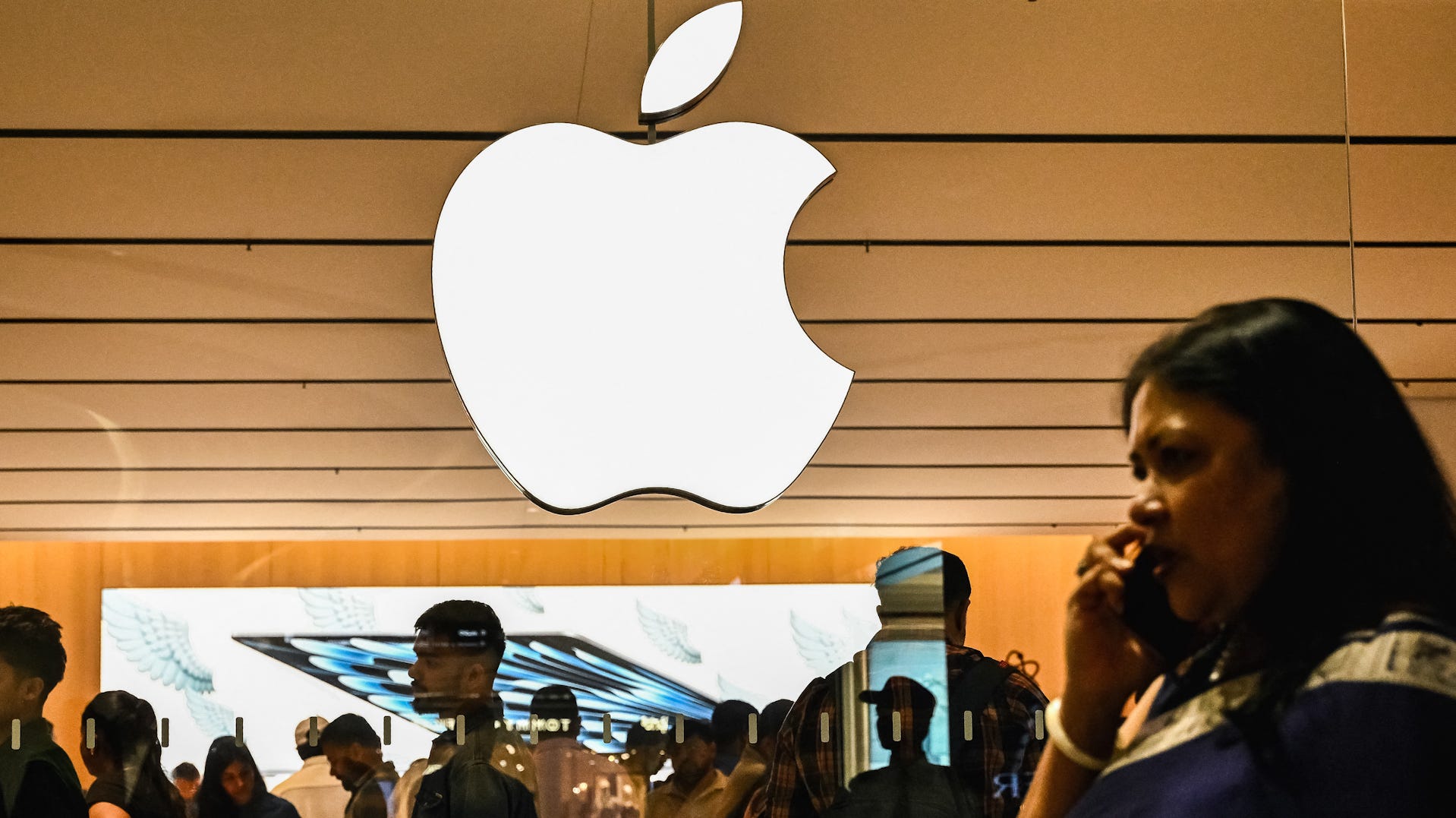

Apple is cutting a small number of jobs across its sales teams
Apple is cutting some sales team jobs. The company told Reuters it continues to hire and affected employees can apply for new roles.
- Apple is now recommending that users update from iOS 18 to the newer iOS 26 operating system.
- The iOS 26 update includes a new “Liquid Glass” interface, call screening features, and upgrades to Apple CarPlay.
Are you still running iOS 18? Apple now recommends updating to the newest update.
The technology giant has now changed iOS 26 from an “optional upgrade” to a recommended one, seemingly pushing those to upgrade if they have not yet.
According to Apple technology blog MacRumors, Apple is still providing iOS 18 security updates to those who choose to stay on the operating system, but that may stop in the coming months. Users who want to keep up to date on security fixes will need to upgrade to iOS 26, though Apple will continue to provide iOS 18 updates for devices that do not support iOS 26.
What is iOS 26? See features
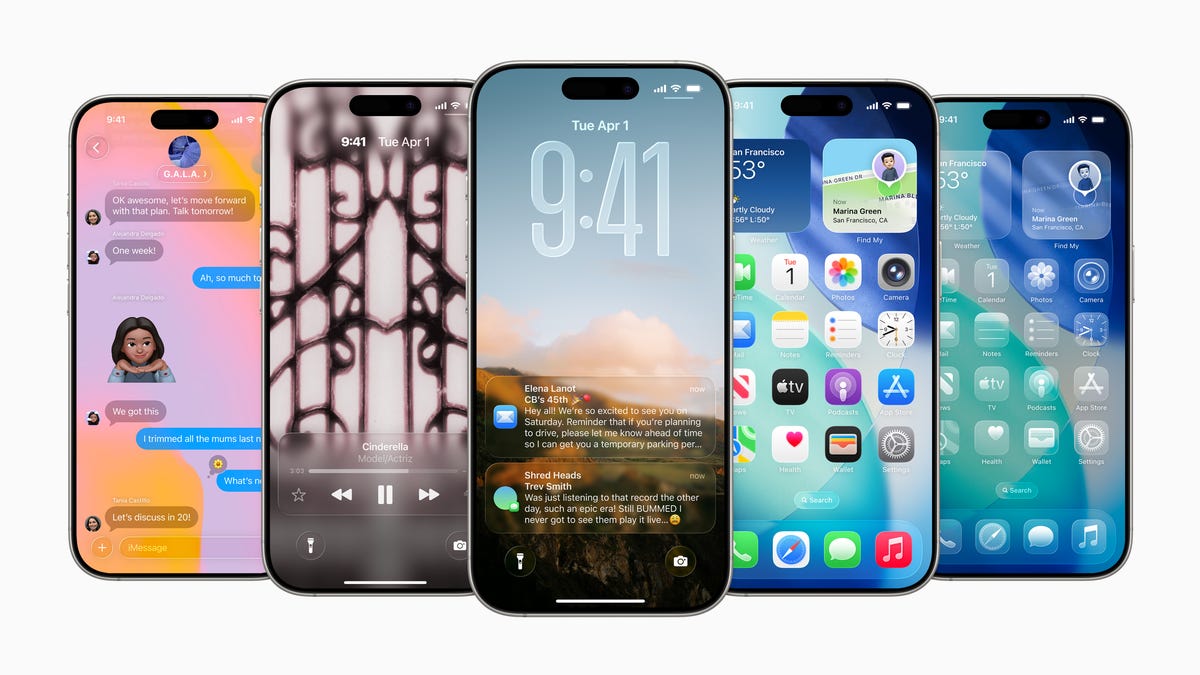
Introduced in September, iOS 26 gave iPhones a whole makeover. The new “Liquid Glass” interface design features a glassy, translucent quality that shifts in appearance and color depending on the content displayed on the screen.
It provided upgrades to its Apple Intelligence features, including expanded live translation capabilities. Visual intelligence was also updated to support iPhone screenshot capture and search.
A new call screening feature gives people more control over blocking spam and other unwanted calls by automatically answering the call and requesting the caller’s information, which is then passed to the user to decide whether to accept it. iOS 26 also includes “Hold Assist,” a feature that keeps a user’s place in line while waiting to speak with a live person, and notifies them when it’s time to pick up the phone.
Lastly, one of the significant upgrades was for Apple CarPlay. It saw new support for “Live Activities,” which display frequently updated information that users can view at a glance, such as the time remaining on a food-delivery order, the score of a live basketball game, and other event details.
What phones will support iOS 26? Not every phone is compatible
These Apple devices are compatible with iOS 26, according to the company:
- iPhone 17
- iPhone 17 Pro
- iPhone 17 Pro Max
- iPhone Air
- iPhone 16e
- iPhone 16
- iPhone 16 Plus
- iPhone 16 Pro
- iPhone 16 Pro Max
- iPhone 15
- iPhone 15 Plus
- iPhone 15 Pro
- iPhone 15 Pro Max
- iPhone 14
- iPhone 14 Plus
- iPhone 14 Pro
- iPhone 14 Pro Max
- iPhone 13
- iPhone 13 mini
- iPhone 13 Pro
- iPhone 13 Pro Max
- iPhone 12
- iPhone 12 mini
- iPhone 12 Pro
- iPhone 12 Pro Max
- iPhone 11
- iPhone 11 Pro
- iPhone 11 Pro Max
- iPhone SE (2nd generation and later
How long does it take to download iOS 26?
According to several tech and Apple blogs, downloading iOS 26 can take anywhere from 30 minutes to a couple of hours.
The exact time required can depend on several factors, including internet speed, device model, Apple’s server load, and the size of the update.
Is iOS 26.2 coming out today?
Not yet! Apple’s iOS 26.2 update will be released as soon as today, Dec. 9, and likely no later than Monday, Dec. 15, or Tuesday, Dec. 15, 2025, per AppleHeadlines.
Apple iOS 26 vs iOS 26.2; what’s different?
The latest Apple iOS 26.2 update will polish and improve what iOS 26 introduced in November for your iPhone.
Essentially, you will get upgrades to design, file sharing, reminders, your sleep/health, apps (Podcasts and News) and performance. Bug fixes, potential battery life, stability and what matters to you daily are all being upgraded.
Here’s how to update to iOS 26.2 when it launches
Before updating your iPhone, make sure to back up your phone. This lets you keep your data safe by making a copy and backing up your iPhone, iPad, or iPod touch.
Once you have backed up your phone, Apple advises you to plug your phone into a power outlet and connect to Wi-Fi. Then you can follow these steps:
- Go to Settings > General, then tap Software Update.
- If multiple software update options are available, choose the one you want to install.
- Tap Install Now. If you see Download and Install instead, tap it to download the update, enter your passcode, then tap Install Now
Contributing: Lori Comstock, USA TODAY NETWORK
link