Kazeta: New Linux OS Transforms PCs into Retro Game Consoles

Slovak created Kazeta after he saw non-tech-savvy users having trouble with Steam’s complex layout and he grew tired of digital distribution himself. His renewed appreciation for physical media and concern over long-term game preservation drove the project’s philosophy.
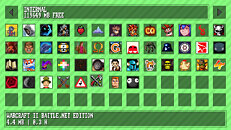
Current limitations include no dual-boot support, virtual machine compatibility, hybrid graphics, multiple monitor support, or Bluetooth controllers—though the latter is planned for future releases. Each SD card must contain only one game and requires manual preparation including formatting and file copying.
People can now download the operating system, with full instructions available on GitHub for those who meet the basic system needs.
Requirements
- 4 GB or more RAM
- 32 GB or larger internal storage device
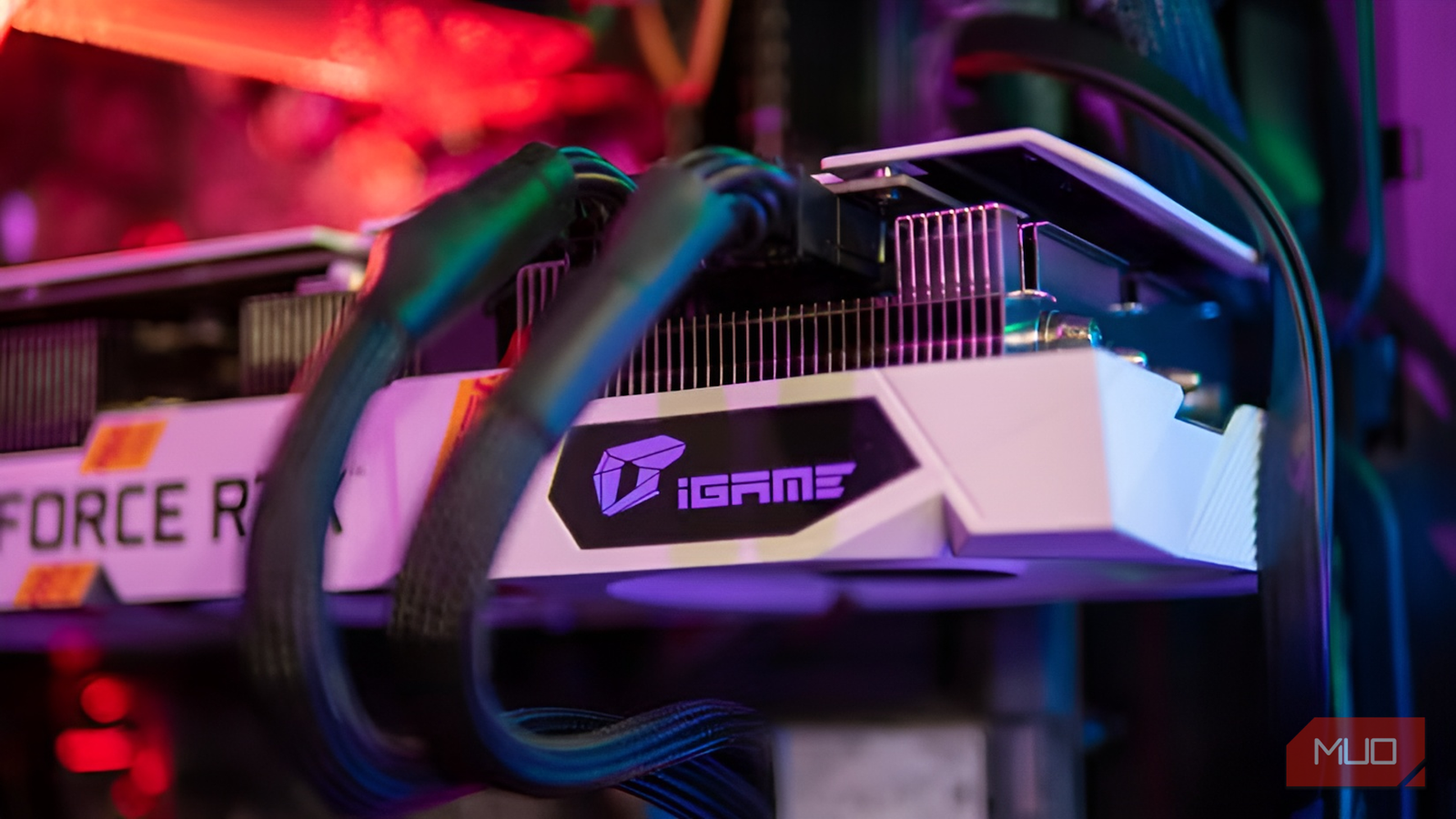
- AMD Radeon RX 400 series or newer GPU required (Strongly recommended for the best experience)
- NVIDIA GTX 1600 series or newer GPU required
- Intel GPUs released since 2017 may work, but have poor game compatibility
- A single connected TV or monitor
- Hybrid graphics are not supported
- Virtual machines are not supported
- A keyboard is usually required to select the boot disk and start the installer
- Dual booting from the same disk is not supported
- Secure boot must be disabled
- Intel RST (Rapid Storage Technology) must be disabled
- Legacy/bios is not supported
Officially supported hardware
- Geekom A5 2025 Edition Mini PC
Officially supported controllers
- 8Bitdo Ultimate 2C Wireless Controller connected wirelessly via the included dongle or wired
Notes
- Other controllers can work, but may have minor issues.
Connecting controllers via Bluetooth is not supported.
link